
How a lesson actually runs
Every piece has the same three stages, and you can move between them freely rather than being pushed forward before you are ready.
Listen
PianEd performs the piece and lights the keys as it goes. You hear what you are aiming at, and you see where the hands move, before you play a single note.
Wait mode
The music stops on each note until you find it. Nothing scrolls past at a speed you cannot meet, and a wrong key is not punished — the piece simply waits, which is what a patient teacher would do.
Play through
Full tempo, or any slower tempo you choose, with timing judged as Perfect, Good or OK on each note so you can see where you are rushing.
What is in the library
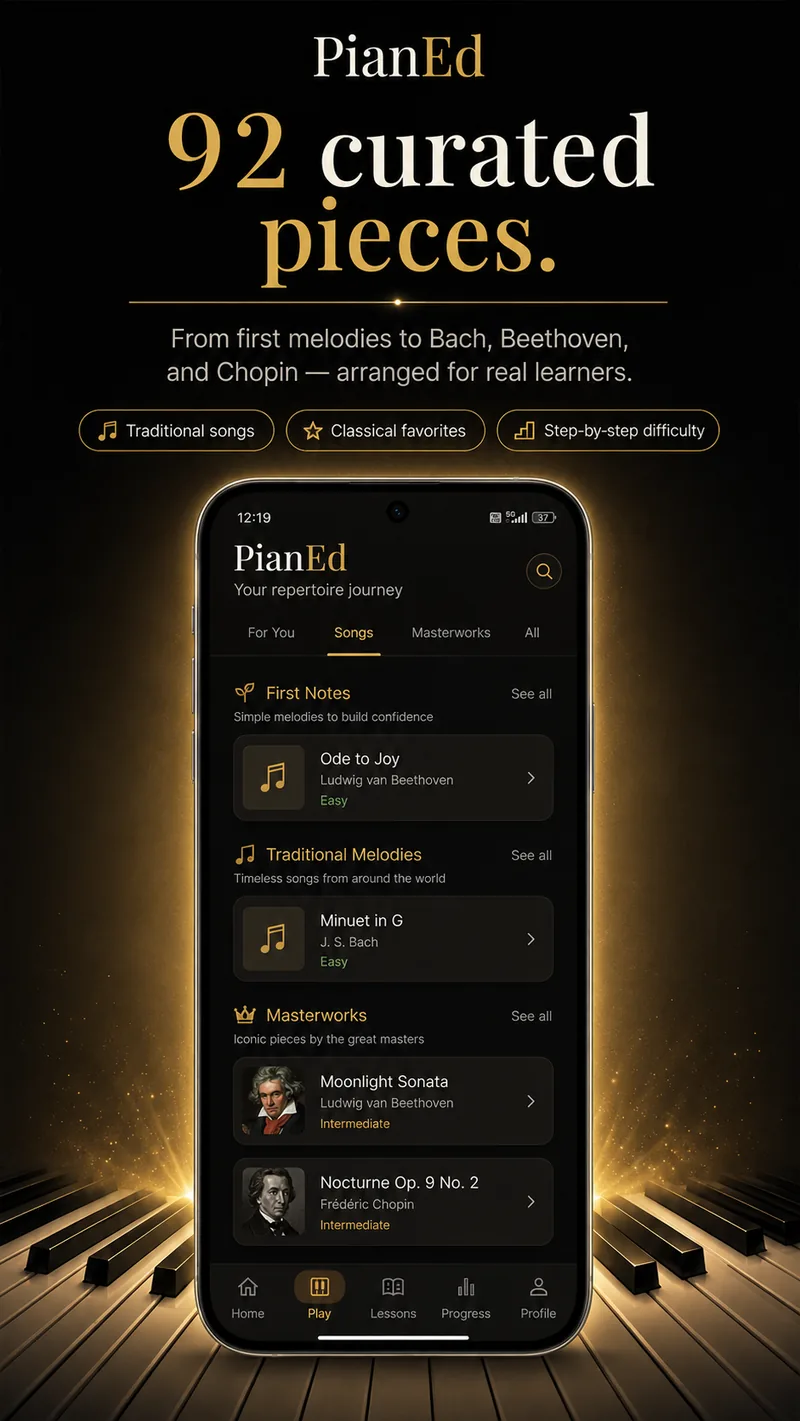
The 92 pieces are grouped so that difficulty is obvious before you open anything.
- First Notes. Simple melodies to build confidence, most of them one hand and five fingers.
- Traditional melodies. Folk and seasonal tunes that most people can already hum, which makes rhythm mistakes obvious to your own ear.
- Masterworks. Learner arrangements of the standard repertoire — Beethoven’s Ode to Joy and Moonlight Sonata, a Bach minuet, Chopin’s Nocturne Op. 9 No. 2, Schumann.
Each carries a difficulty label and sits at a level, so the next sensible piece is never a guess. The pieces are public-domain works in learner arrangements; the difficulty labels describe the arrangement, not the original.
Controls that matter while you are learning
Slow it down properly
Tempo changes without the pitch bending or the phrasing going strange, so a piece at half speed still sounds like the piece.
Zoom the keyboard
Show only the octaves the piece actually uses, so the keys are large enough to hit accurately on a phone.
Falling notes or the stave
Start with falling notes, switch to written notation as your reading improves, and switch back on a hard passage without losing your place.
Hands separately
Practise one hand at a time and combine them when each is comfortable — the standard method, and the one step most self-taught players skip.
Real keys if you have them
Connect a USB MIDI keyboard and played notes drive the same lesson, sustain pedal included. More on MIDI.
Offline
Songs live on the device. A connection is only needed to sync progress and to download premium content the first time.
Questions
Frequently asked
How many songs does PianEd have?
92 curated pieces, graded across six levels — from five-note first melodies to learner arrangements of Bach, Beethoven, Chopin and Schumann.
Are the songs free?
The Level 1 pieces are free forever, along with the rest of Level 1. The remainder of the library unlocks with a PianEd Pro subscription.
Can I slow a piece down?
Yes, to any tempo you like, and the pitch does not change with it. Wait mode goes further and holds on each note until you play it.
Does it show which finger to use?
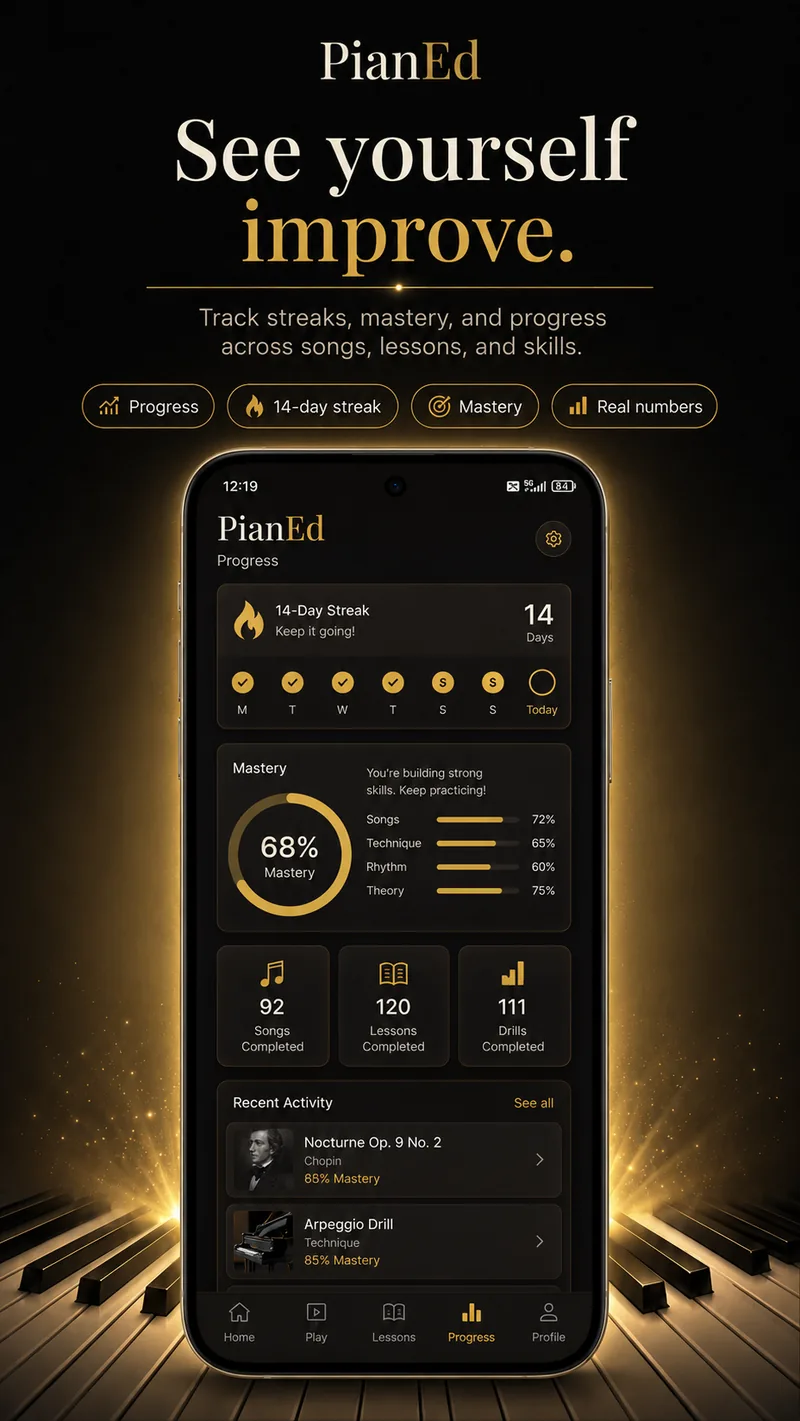
Fingering is given on every one of the 111 technique drills. Songs show the notes and hand, and the drills are where the fingering habits are built deliberately.
Can I play the songs on a real keyboard?
Yes. Connect a compatible MIDI keyboard over USB and played keys drive the lesson exactly as taps do.
Keep reading
92 pieces, and the first ones are free
Open the app, pick something you recognise, and let wait mode do the rest.
Android 7.0 or later · Level 1 free forever · No card required