
What the drills cover
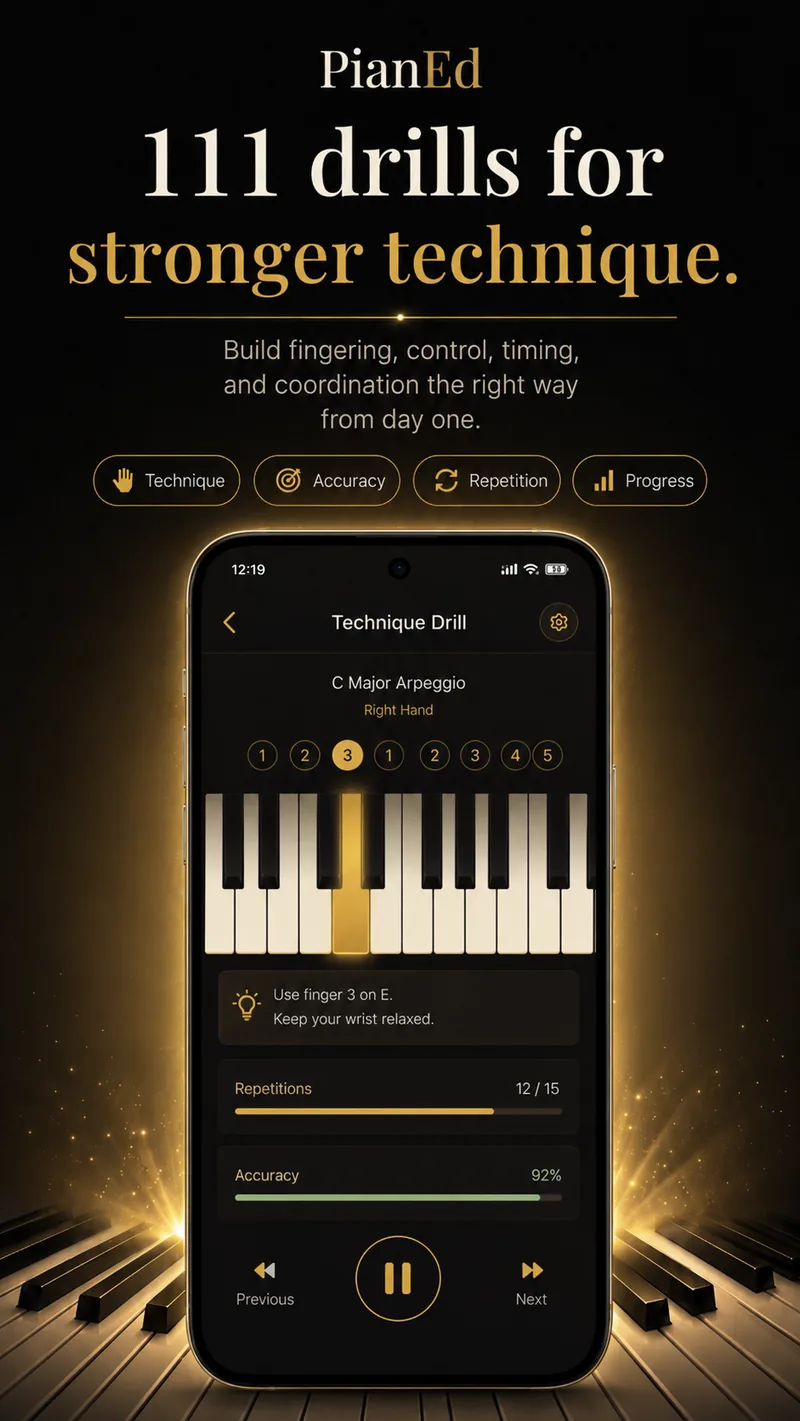
Introduced in the order a teacher would use, each one graded as you play on accuracy, evenness and timing.
Five-finger patterns
One finger per key, both hands, in the common beginner keys. The foundation everything else is built on.
Scales and the thumb-under
The crossing that turns five fingers into a full octave. It is the first genuinely awkward movement in piano, and it is drilled deliberately rather than left to chance.
Arpeggios
Broken chords across one and two octaves, with the hand-shape changes marked at the points where they actually happen.
Chords and inversions
Triads in root position and both inversions, then the smooth voice leading that makes chord changes stop sounding like jumps.
Sevenths and jazz voicings
Dominant, major and minor sevenths, then rootless voicings and the ii–V–I shapes used in real playing.
Independence and control
Two-voice work, dynamics under control, and the coordination drills that make hands-together playing stop being a fight.
Why fingering is worth being strict about
A passage becomes automatic when the same fingers do the same job every time. Change the fingering on each repetition and the passage never consolidates — you are effectively practising a different piece each run.
The classic beginner errors are all fingering errors: reaching for every white key with the thumb, avoiding fingers 4 and 5 because they feel weak, and speeding up before the movement is stable. Each of them is easy to avoid on day one and slow to fix on day four hundred.
PianEd shows the standard fingering on screen for every drill, including the thumb-under crossing, and grades what you actually played.
How a drill is graded
| What is measured | Why it is measured |
|---|---|
| Accuracy | Whether the right notes were played at all — the floor, not the goal |
| Repetitions completed | Technique consolidates through repetition at a stable tempo, not through one good run |
| Timing | Evenness between notes is what separates a scale from a stumble |
| Touch strength | With a velocity-sensitive MIDI keyboard connected, whether the notes are even in volume too |
Nothing here is a leaderboard. The numbers exist so that “is this getting easier?” has an answer that is not a feeling.
Questions
Frequently asked
How many technique exercises does PianEd have?
111 drills, graded across six levels, each showing the standard fingering.
Does it teach the thumb-under crossing?
Yes, explicitly, as its own drill in Level 3 — it is the movement that turns a five-finger position into a full scale, and it is the one most self-taught players never learn cleanly.
Can I do technique drills on a touchscreen?
Yes. Note accuracy, fingering habits and timing all work on screen. Evenness of volume needs velocity-sensitive keys, which is where a MIDI keyboard helps.
Are the drills free?
The Level 1 drills are free forever. Levels 2 to 6 unlock with PianEd Pro.
Do I have to do them in order?
They are ordered because technique is cumulative, but you can revisit any drill you have unlocked at any time.
Keep reading
Build habits you will not have to unlearn
111 drills with the correct fingering on every one. Level 1 is free forever.
Android 7.0 or later · Level 1 free forever · No card required